A wallet you've never seen sends eight figures of a token into an exchange deposit address at 2 a.m. You see the alert, you check the chart, and by morning the price hasn't moved. The address turns out to belong to a market maker sweeping its own settlement wallets.
That gap between a large transfer and a usable signal is where most whale watch crypto work fails. It rarely fails because the tool is bad. It fails because one tool got asked to do four jobs at once: alert you in real time, tell you who the wallet is, map a token's holder structure, and explain the exposure behind the move.
Those are separate research jobs with separate data requirements, and the tools below are unevenly good at them. A feed built for Solana flow won't trace a Bitcoin custody migration. A portfolio viewer won't rank traders by realized PnL. A derivatives dashboard won't label an address.
This list is organized by job rather than by feature checklist, so you can see which combination covers your question and where a single tool stops being enough. Each entry names the failure mode to watch for.
Table of Contents
- 1. StalkChain Whale Watch
- 2. Arkham Intelligence
- 3. Nansen
- 4. Whale Alert
- 5. Lookonchain
- 6. Cielo
- 7. Zerion Wallet Tracker
- 8. Bubblemaps
- 9. DeBank
- 10. CoinGlass
- How the 10 Whale Watch Crypto Tools Compare
- Matching Your Whale Watch Setup to Your Research Question
1. StalkChain Whale Watch
Research job: live transaction alerts on Solana. Whale Watch follows live Solana trades above a volume threshold, which is a different starting point from most alert products.
Whale Watch follows live Solana trades above a volume threshold. That design choice matters more than it sounds. Most alert tools ask you to build a watchlist of addresses before they tell you anything, which means you have to already know the whale. A volume-filtered stream inverts the order. You see the size first and the address second.
This is what the stream looks like in practice.
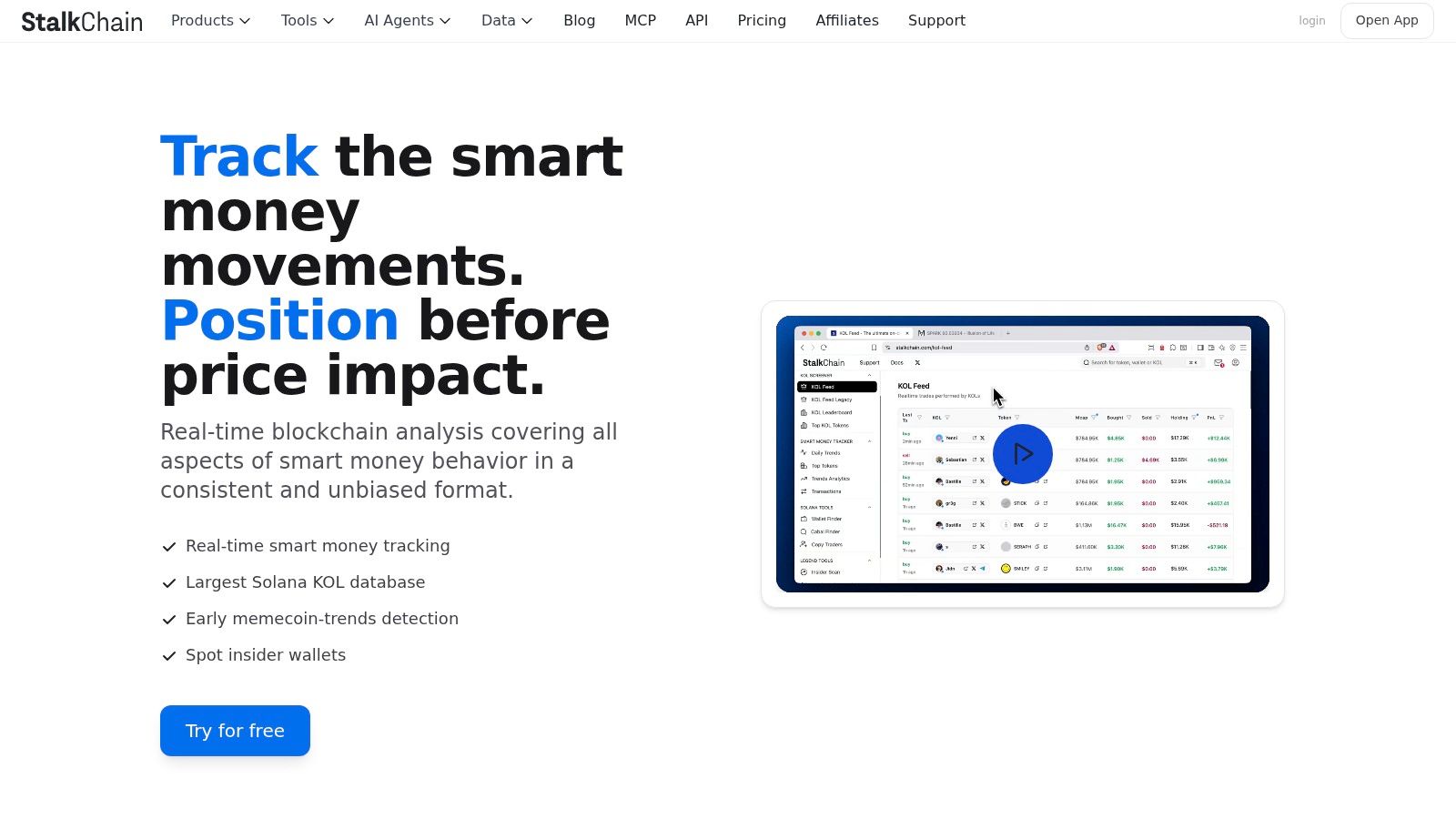
It sits inside a wider set of smart-money tools, including KOL feeds and transaction listings, so the same wallet that triggers a whale alert can be checked against what tracked traders did around it. If you need the mechanics of building a watchlist around those addresses, the guide to tracking Solana wallets covers the workflow end to end.
Fitting it into an agent or a script
Whale Watch data is available through an MCP endpoint for AI assistants and a REST API for apps and scripts. In practice that means you can ask a chat agent what large Solana trades printed in the last hour, or schedule a script that pulls the same rows into a dashboard. The MCP route is the least work if you already live in a chat client.
Where it breaks: a large trade is a fact about size, not intent. It can be accumulation, a market maker rebalancing, or an exit into thin liquidity, and an alert can't tell you which.
Other limits deserve stating plainly. The public page doesn't spell out threshold settings, alert delivery options or data latency, so test those against your own workflow before relying on them for timing. Treat every hit as the first question in a research chain, never the answer.
2. Arkham Intelligence
Research job: wallet and entity investigation. Arkham is the natural second stop once an alert tells you an address matters. Entity pages carry transaction history, holdings, balance history and PnL, and the visualizer traces flows between a wallet and its counterparties across multiple hops. Alerts can be configured by address or entity, token, chain and transaction value, with delivery by email, Telegram or webhook.
The entity layer is the product. Monitoring one labeled entity is cheaper than maintaining thirty addresses by hand, and most of the time it's also more accurate.
The trap it can't fix on its own
Labels are clues, not proof. Banxa's guide to crypto whales documents a clean failure case: exchange consolidation from many deposit addresses into fewer cold-storage wallets was initially read as whale accumulation, and after filtering internal transfers, holders of at least 1,000 BTC were reportedly net sellers during December 2025.
Any platform that labels exchange infrastructure as a holder inherits that error. Build a confidence tag into your own process, covering likely external deposit, internal reshuffle, custody migration, collateral movement and unknown.
The learning cost. The feature surface is broad enough to slow a new user down, and alert quality lives or dies on filter discipline. If your chains aren't covered well, look at Arkham alternatives before committing a workflow to it.
3. Nansen
A token starts moving, but the first challenge is finding out which wallets are worth watching. Nansen's Smart Money views help narrow the field; wallet pages add transaction history to assess whether an address's activity is relevant. Use alerts to monitor the wallets that survive that review.
Smart Alerts can track selected wallets, tokens or activity, with delivery through Telegram, Discord and Slack. The free tier includes a limited number of alerts, while paid plans allow more. Check Nansen's current plan details before relying on a specific allowance. Programmatic access is also available through API and MCP options, with details varying by plan.
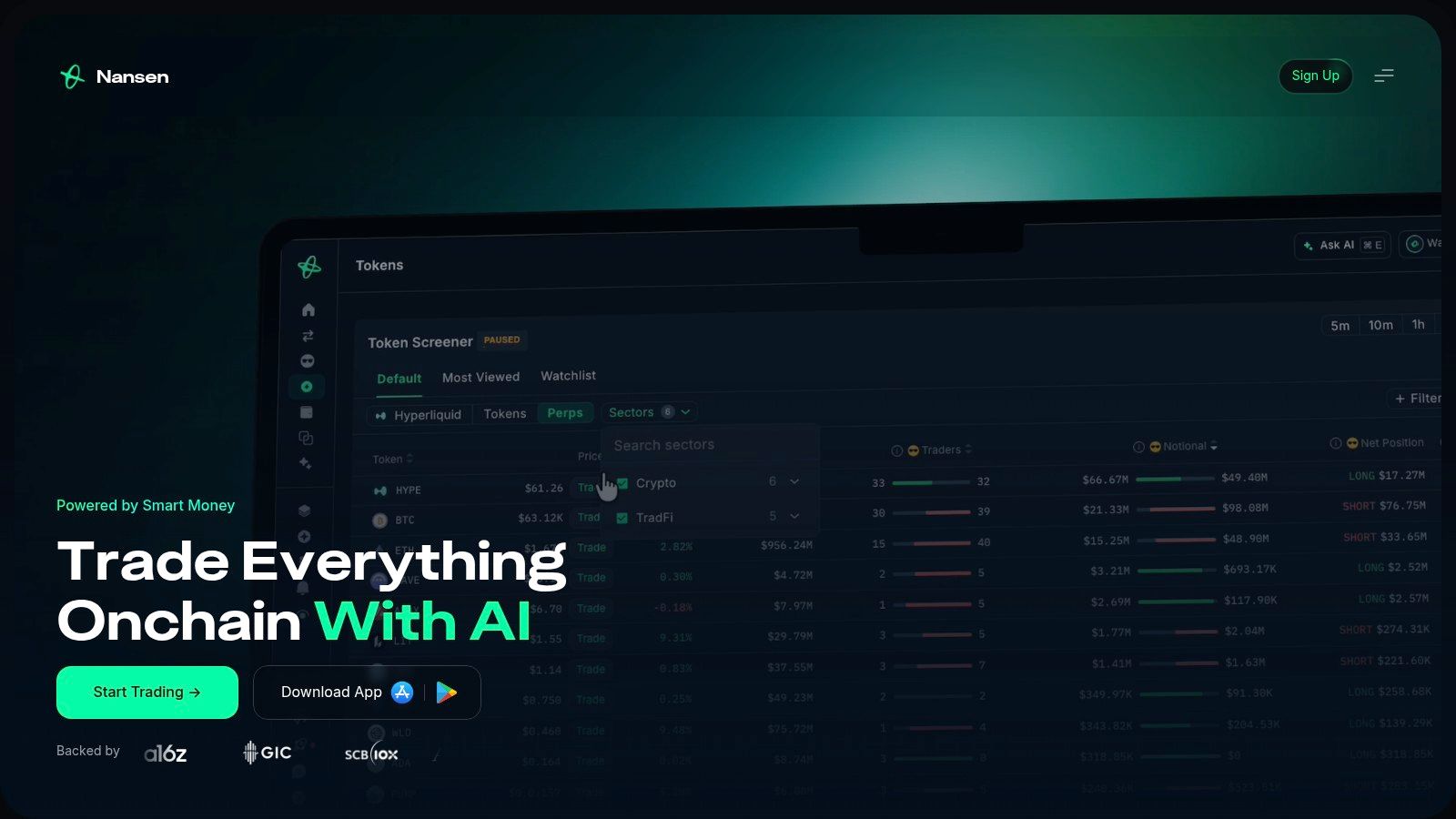
Coverage and features vary by ecosystem, so confirm that Nansen supports the token's chain before setting up a workflow. Smart Money activity is a research signal, not a forecast; a wallet label does not guarantee profitable trades.
Use Nansen as a filtering step: identify a smaller set of wallets, set alerts for their activity, then inspect the relevant transaction before drawing a conclusion. The label saves time, but it does not replace transaction-level analysis.
4. Whale Alert
Research job: monitoring large transfers across assets. Whale Alert publishes transaction details in a raw transfer feed. Paid access adds custom alert criteria and analytics on supported coins, while developers can connect through API and WebSocket options. Its focus is transfer size, not whether the wallet behind a transfer has a strong trading record.
Research on large crypto transfers usually sets whale thresholds far above the moving thresholds used in alerts. Treat those definitions as different tools for different jobs: a high threshold identifies unusually large activity, while a lower alert setting catches more routine flows.
Reading inflows without overreading them
Exchange deposits are among the transfers traders watch most closely. Bitcoin whale exchange deposits increased from 5,697.31 BTC in January 2023 to 11,425.87 BTC later in the reported period, about 100.55%. Whale withdrawals rose from 5,469.51 BTC to 6,371.45 BTC, about 16.5%, according to Glassnode's whale exchange flow chart. Faster deposit growth can signal changing liquidity, but it does not establish that holders sold. Transfers may also reflect collateral, custody changes or internal sweeps.
Where it falls short: Free access shows a subset of recent alerts, and Whale Alert does not rank traders by performance. For wallet-level records and trader analytics, compare its transfer feed with a Nansen alternative for wallet intelligence.
5. Lookonchain
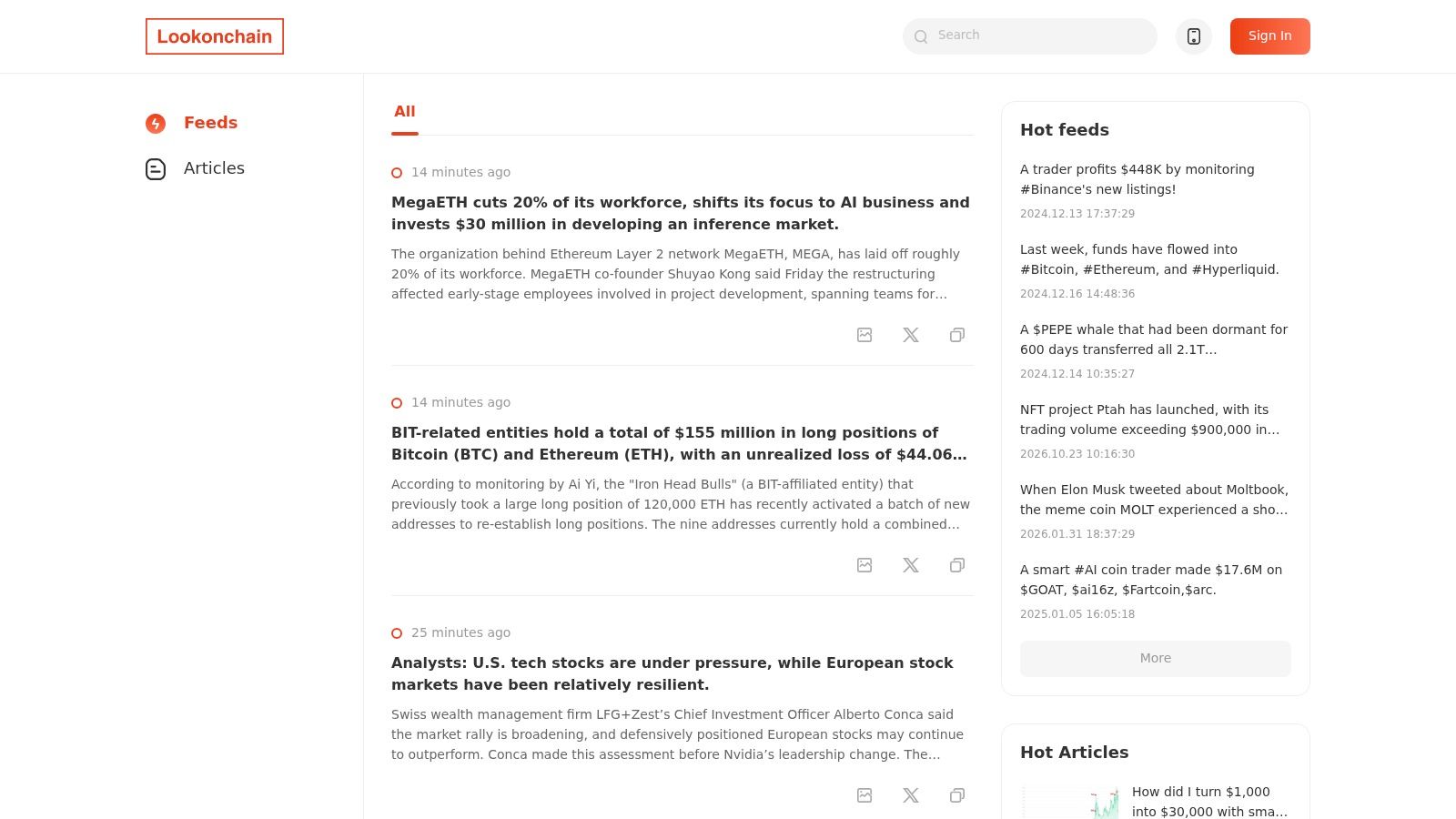
Research job: narrative discovery, not alerting. Lookonchain publishes what it finds. Token pages accumulate whale movements, exchange flows and wallet observations in one place, which makes it the fastest way to learn that something is happening on an asset you weren't watching. It's a tip line, not a surveillance system.
That distinction decides how you use it.
- Open a case with it, then verify the address and transaction on a block explorer.
- Don't treat the interpretation as data. Attribution in a post is a claim about a wallet, and claims get revised.
- Skip it if you need rules. It isn't a configurable alert system, and programmatic access needs verifying before you plan around it.
The feed itself is presented as a running commentary on chain activity.
The follower effect is measurable
The interesting question about a public whale post is what other traders do with it. Federal Reserve Bank of Philadelphia research on whale-initiated transactions finds those transactions significantly affect the composition of non-whale market participants, with retail investors tending to buy after whale purchases and sell after whale sales.
That cuts both ways. A post naming a whale buy can push smaller wallets into the same trade, which flatters the signal for a while and then makes the exit crowded. If you're building your own version, borrow the event-study method instead of the headline: measure abnormal returns and abnormal volume at 5 minutes, 1 hour, 6 hours and 24 hours, control for market-wide BTC or ETH returns, and rank signals by historical precision rather than dollar size.
6. Cielo
Research job: following a known list of addresses. Cielo is built around the list you already have. Follow wallets, group them into lists, filter by transaction type, value and network, and get notified in the web app, Telegram or Discord. For Solana and memecoin work, where the useful addresses change weekly, that's the right shape.
Alerts arrive as chat messages, which is where active traders already are.
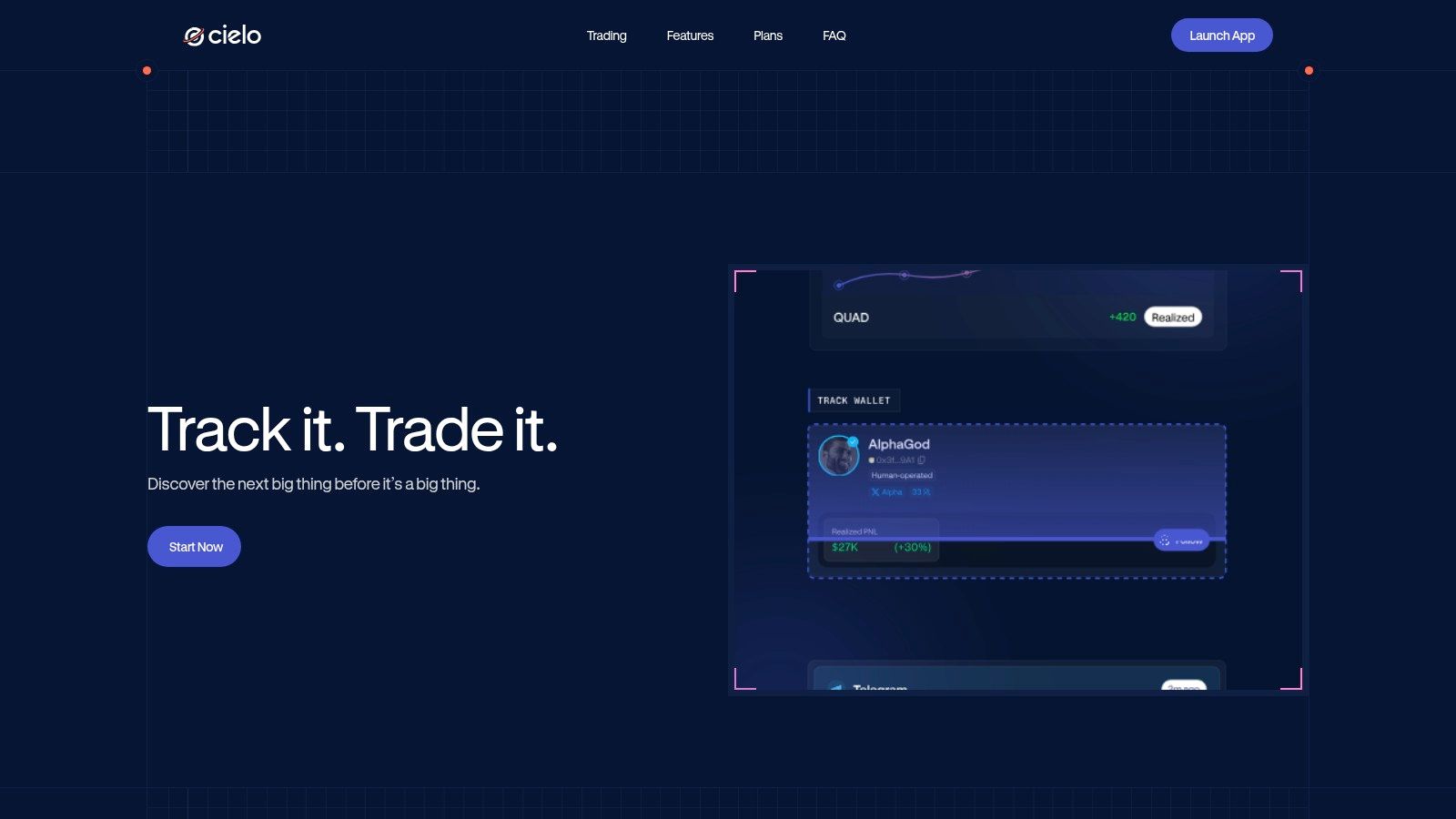
The free tier supports a starter watchlist with documented limits of up to 250 tracked wallets, including 10 Solana wallets. Paid plans add tracking and discovery features.
Size is a behavior signal, not a trade signal
Federal Reserve Bank of Philadelphia research on Ethereum whale behavior found that large holders generally increased ETH holdings before price increases while smaller holders reduced theirs, but return volatility was driven more by small retail investors than by whales. Read that twice. Whale positioning carried information; whale activity wasn't what moved prices.
The design lesson for a Cielo setup is to stop triggering on dollar size alone. Classify each transaction by destination, estimate what fraction of a wallet's liquid balance is moving, and keep separate thresholds for accumulation, distribution and dormant-wallet activation. One economic actor spread across several addresses and chains will slip past any single-address threshold.
Limits. Free-tier wallet caps constrain larger research lists, and wallet activity still needs interpretation. A tracked address buying is a data point, not an instruction.
7. Zerion Wallet Tracker
Research job: a clean read on a single address. Enter an address and you get balances and history across supported networks without connecting a wallet. That's the whole proposition, and it's enough. After an alert flags a wallet, the next question is what it holds, and a watch-only view answers it in seconds.
Human-readable transaction descriptions do more work than they get credit for. A line saying a wallet swapped one asset for another and added liquidity tells you the shape of the behavior. A wall of raw contract calls doesn't.
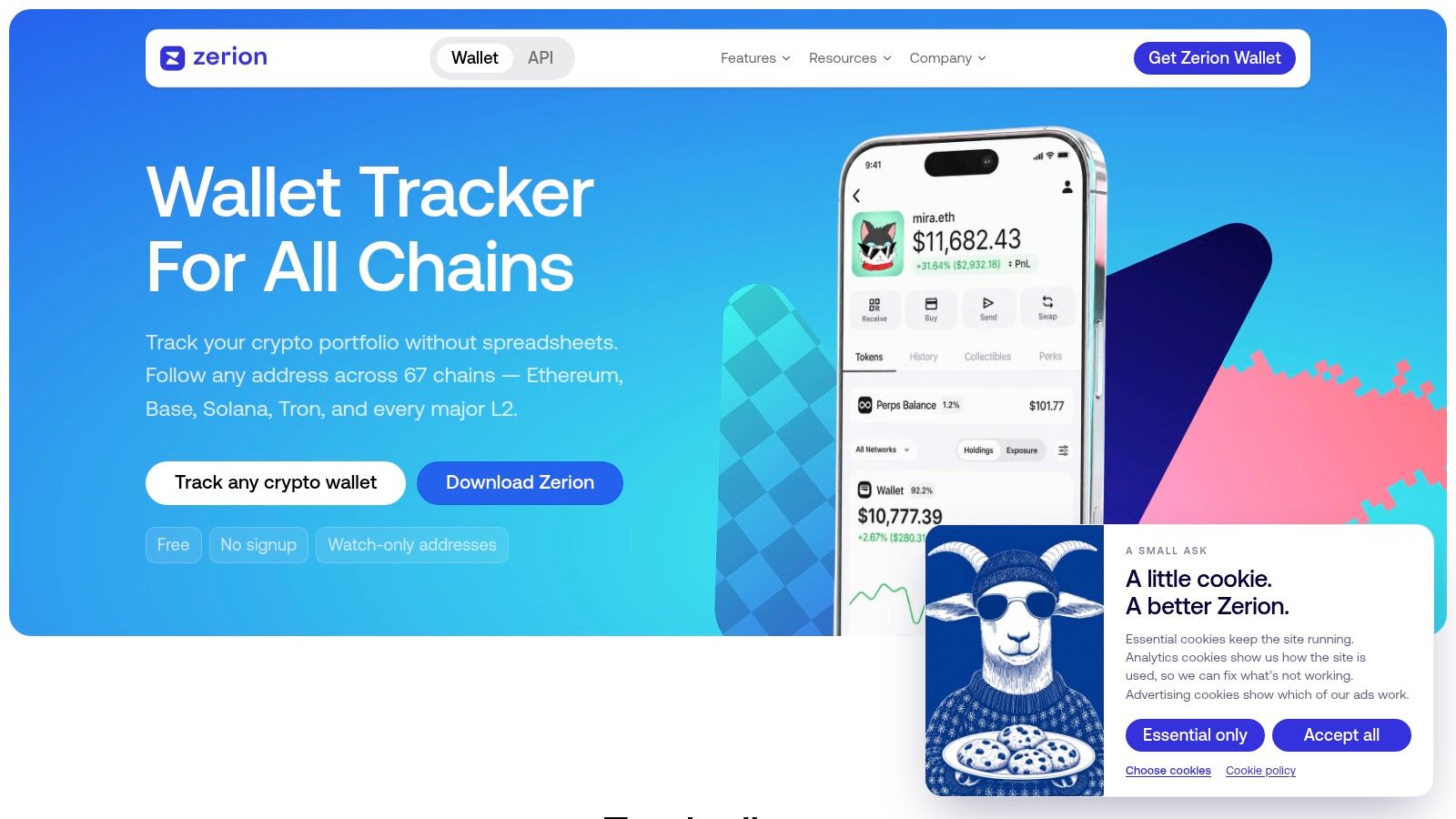
- Good first read. Aggregated balances and transaction history across supported networks, on web, browser extension and mobile.
- Notifications included. Activity alerts keep a short watchlist usable without refreshing tabs.
- No reputation layer. No ranking, no label, and no historical precision score telling you whether following this address has ever worked.
- Network caveats. Supported features differ by network, so confirm the chain before building a routine.
Where watch-only tracking ends
A portfolio is not a track record. Zerion shows you what an address owns; it won't tell you whether that address is early, lucky, or a treasury desk. Rankings, labels and signal analysis live in other tools on this list.
Use it in the middle of a research chain: alert first, portfolio read second, transaction-level verification third.
8. Bubblemaps
Research job: token holder structure. Bubblemaps turns a holder list into a picture. Interactive maps show major holders as bubbles sized by balance, with links drawn where transfers connect them, so a token with forty wallets that look independent can turn out to be four clusters. Before you trust a "distributed supply" claim, that picture earns its place.
Cluster views are the part that changes decisions.
Developer options include an API and embeddable holder maps, and the documentation describes a free, keyless public API subject to rate limits.
Concentration, measured properly
The cluster logic matters because the naive count is wrong. Glassnode's research on what Bitcoin whale addresses tell us defines a whale entity as a cluster of addresses with an aggregate balance of at least 1,000 BTC rather than one address holding that amount, precisely because exchanges and custodians run many addresses. The same analysis puts whale entities at roughly 76% of supply at the 2011 peak, about 62% at the 2013 peak, roughly 52% at the 2017 peak, about 53% during the 2021 peak and around 39% by September 2023.
A map is a snapshot of ownership assumptions, not a census. Common ownership between two linked wallets is an inference, and the inference fails whenever an exchange sits in the middle.
Limits. Coverage and features vary by chain and token, and a static map doesn't watch anything. Pair it with a live feed if you need to know when a cluster starts moving.
9. DeBank
Research job: an address's wider on-chain footprint. DeBank answers a question the alert feeds skip. Not "is this wallet smart" but "what does this wallet do". Profiles combine portfolio and DeFi positions across supported EVM networks, and the activity feed shows protocol interactions that a balance snapshot hides.
That context changes the meaning of a transfer. A whale moving stablecoins to an exchange while carrying an open borrow against collateral is in a very different position from one moving idle assets.
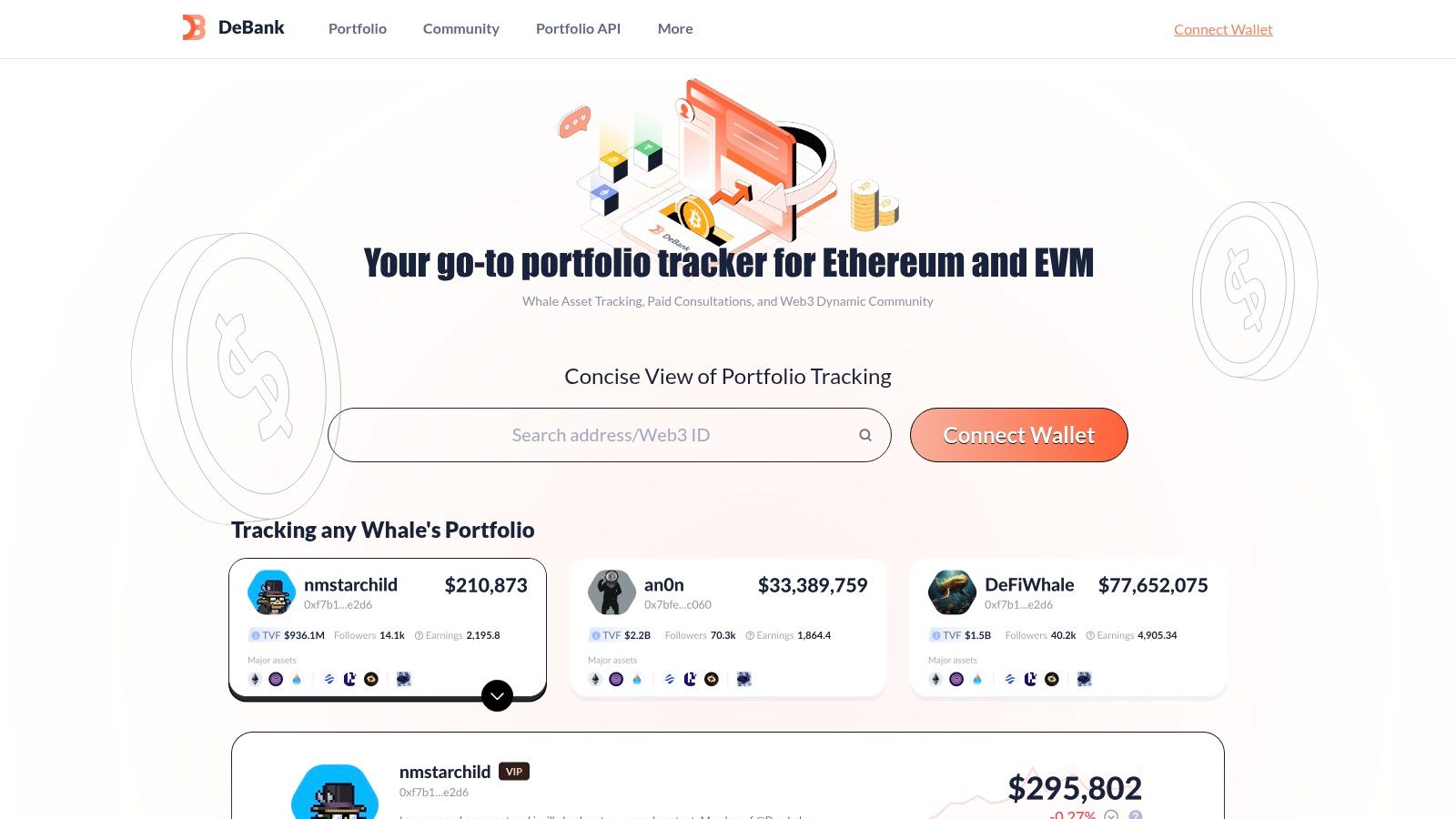
What a DeFi footprint tells you
Lending health, LP exposure and position concentration are the details that separate a forced seller from a routine rebalance. Before you copy a wallet's move, check whether the wallet has to move at all.
- Portfolio and positions in one view. Assets and DeFi exposure on a readable dashboard.
- Activity feed. A social-style stream for following wallets, useful for discovery as much as monitoring.
- EVM first. Coverage leans toward EVM ecosystems compared with multi-chain trackers, so Solana-native research needs another tool.
- Not an alert engine. The feed isn't a finely tuned whale-signal system, and portfolio values or protocol integrations may be incomplete.
Treat it as reconnaissance. One profile read can save you from copying a transfer that was in fact a collateral top-up.
10. CoinGlass
Research job: the positioning context around a price move. Wallet data tells you who moved. CoinGlass tells you what the derivatives market was braced for. Open interest, funding rates, liquidation data and exchange-level positioning show whether a large transfer landed in a market positioned the same way or the opposite way.
A whale sale into a crowded long book produces a cascade. The same sale into a flat book produces a shrug. Without a derivatives view, you can't tell which one you're looking at.
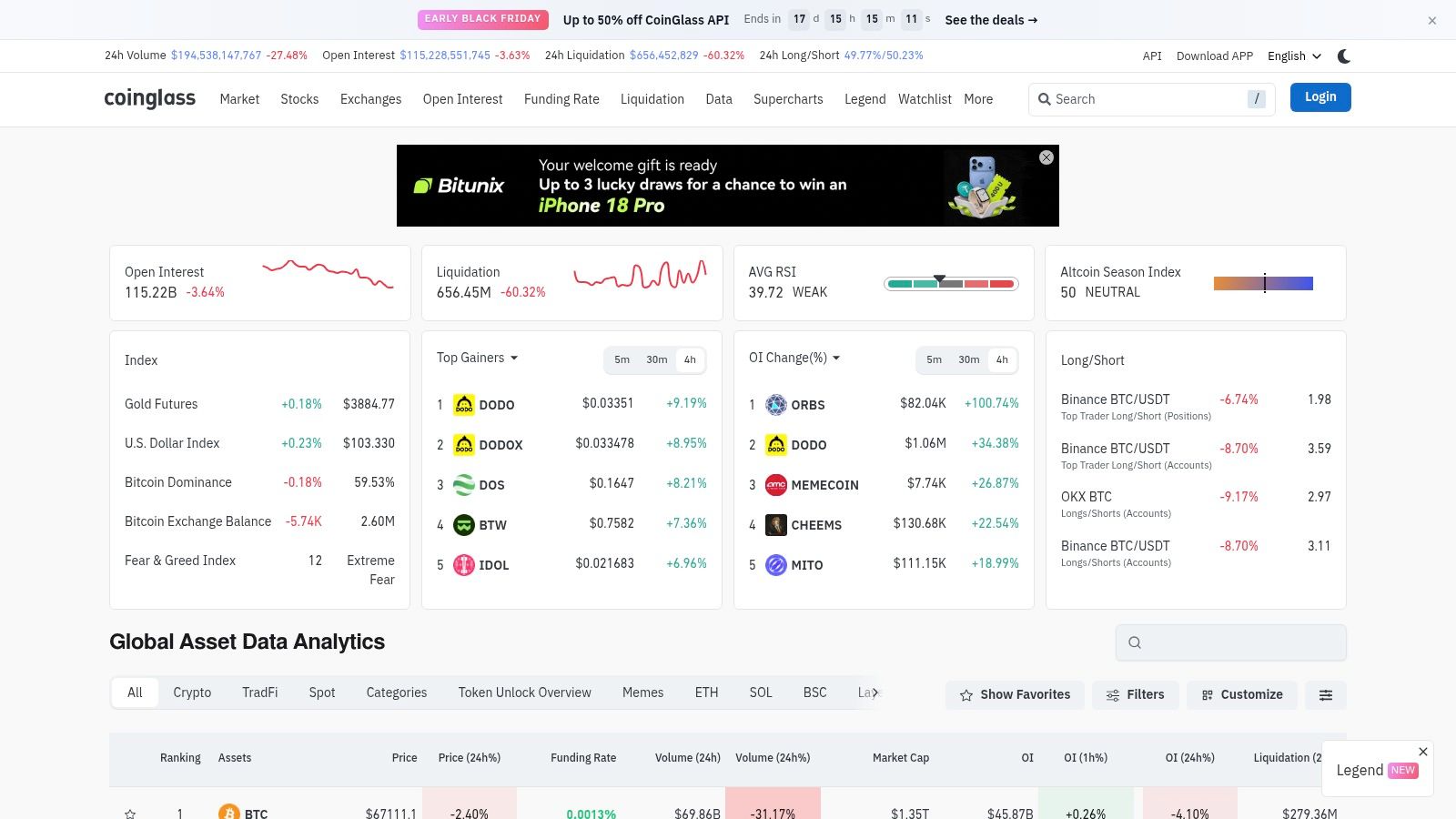
Practical rule: treat a whale alert as half a signal until you've checked open interest and funding on the same asset. Size without positioning is a headline.
Limits worth stating
CoinGlass doesn't do wallet attribution. There are no entity pages, no address clustering and no holder investigation, and the whale-flavored tables here are positioning aggregates rather than identified holders. API access sits behind paid plans, so confirm current pricing and rate limits before you build a pipeline on it.
Put it last in the stack. Alerts and wallet research generate the question; derivatives data tells you how much the answer matters.
How the 10 Whale Watch Crypto Tools Compare
The right comparison depends on the job: catching activity, identifying a wallet, checking token ownership, or adding market context. Free access also varies by product, from public feeds and limited watchlists to paid API access.
| Primary Strength | Alerts or Feed | Free Access | Best For |
|---|---|---|---|
| StalkChain Whale Watch: live Solana trades above a volume threshold | On-chain trades feed, about 15 seconds ahead of the app feed where the data plan includes it; matching recent alerts replay on connection by default | Watch stream costs 0 credits | Spotting large Solana trades and connecting signals to AI or API workflows |
| Wallet, entity, and fund-flow investigation | Configurable alerts via email, Telegram, and webhooks | Free access details are not stated here | Tracing wallet relationships and monitoring entities |
| Wallet labels and Smart Money analytics | Smart Alerts with Telegram, Discord, and Slack notifications | One active Smart Alert | Discovering wallets and researching token and trader activity |
| Monitoring large crypto transfers | Public transfer feed; custom alerts on paid access | Limited recent alerts and analytics | Scanning large transfers across supported assets |
| Curated wallet and token activity updates | Wallet- and token-focused update feed | Free-access details are not stated here | Discovering activity to verify through on-chain research |
| Wallet tracking with filters and chat notifications | Real-time feed; Telegram and Discord notifications | Starter watchlist with documented wallet limits | Monitoring known wallets, including Solana and memecoin activity |
| Watch-only wallet portfolio tracking | Activity notifications across web, extension, and mobile | Free-access details are not stated here | Checking wallet balances and transaction history without connecting a wallet |
| Visual token-holder maps and wallet connections | Maps and holder snapshots, not continuous alerts | Free, keyless public API with rate limits | Reviewing token-holder concentration and possible wallet clusters |
| Multi-chain portfolio and DeFi activity views | Wallet activity feed; fine-grained alerts are not established here | Free-access details are not stated here | Reviewing wallet holdings, positions, and on-chain activity |
| Derivatives-market and liquidation analytics | Market dashboards and whale-focused tables | API access is paid | Adding leverage and market-positioning context to whale research |
Matching Your Whale Watch Setup to Your Research Question
The question comes first. If you need to know something happened in the next minute, you need an alert feed. If you need to know whether the wallet behind it has a record, you need a wallet intelligence platform. If you need to know whether a token's supply is distributed, you need a holder map. If you need to know how much the move matters, you need derivatives context. Four questions, four tool types, and no single product answers all of them well.
Practically, pair one alert tool with one investigation tool and add the other layers only when a question demands them.
- Fast-moving Solana tokens. A volume-thresholded trade stream plus a watchlist tracker covers most of it.
- Cross-chain tracing and entity work. A tracing platform plus a raw transfer feed, with every label verified against the underlying transaction.
- Token due diligence. A holder map plus a labeling platform, because concentration and wallet reputation answer different questions.
- Event-driven positioning. Derivatives context layered on whatever generated the alert.
Whale watch crypto breaks in predictable places. Exchange consolidation gets read as accumulation. One entity spread across ten addresses gets counted as ten holders. A routine treasury rebalance gets read as a sell. Every one of those errors comes from treating a label or a threshold as a conclusion rather than a question.
So verify. Open the transaction, not just the alert. Check the destination, the wallet's history and the fraction of its balance that moved. Judge each signal by what happened after similar ones, not by how large it looked on the screen.
Budget matters as much as coverage. Several tools here give you a usable free tier, whether that's a limited number of active alerts, a capped wallet list or a keyless holder API. That's enough to test whether a workflow earns a paid plan. Two well-configured tools beat four half-configured ones every time.
Then run it for two weeks before you automate anything. If an alert hasn't produced a single decision you'd repeat, cut it, and keep the one that did.
StalkChain runs Whale Watch as a live stream of Solana trades above a volume threshold, and the same data reaches an AI assistant through one MCP link or a script through the REST API, so a whale print can flow straight into wallet analysis instead of another browser tab. Buy and sell flow, holder concentration, tracked smart-money holders and whale accumulation sit alongside it, which is what turns a large trade into a research question you can answer. Start at StalkChain and run the free wallet lookup before you wire anything into a bot.